
Consolidation business case
Make the case for the tools you can retire
A consolidation decision needs a clear account of the work covered, the costs removed and the responsibilities that remain. Evaluate Devicie across supported application maintenance, configuration and reporting. Build the case from verified workload replacement and the cost of operating the resulting setup.
Where to start
Start with the work each tool performs
List the tools, services and scripts your team uses. For each, record the workload, its owner, its cost and the reason it remains necessary.
An application tool may cover updates but also support another management platform. A reporting license may support a required export. A script may have an important exception that is easy to overlook.
Those dependencies determine whether a tool can be retired, reduced or retained.
Workload by workload
Establish what Devicie can take on
Apply the conditions to a specific proposal, and keep the three responsibilities apart. An application product with a required Configuration Manager workload may need to stay. A policy script may be removable once its complete role is covered. These are illustrative decisions; verify your actual dependencies before assigning a saving.
| Workload | Devicie provides | Your team owns | Retained dependency |
|---|---|---|---|
| Application maintenance | Prepares and tests supported catalog packages and reports installation results. | Decides which applications the business needs, who receives them and how rollout proceeds. | Applications and platforms outside the supported coverage, and a plan for those gaps. |
| Your own application packaging | Reviews submitted installers, packages them and prepares subsequent versions. | Supplies the installer and its requirements, and validates business workflows. | Installers that cannot be supported, and the customer inputs each package needs. |
| Managed-policy drift | Corrects drift in supported managed policies and sends a readable notification. | Agrees the managed state and approves intentional changes through pause and resume. | Policies outside the managed scope, and device receipt, which is verified separately. |
| Device reporting | Provides device and policy detail, Windows health information and API access to available data. | Investigates, sets support priorities and makes planning decisions. | Fields, freshness, platform coverage or exports the available data does not cover. |
What replaces them
See what one console covers before you decide what to retire
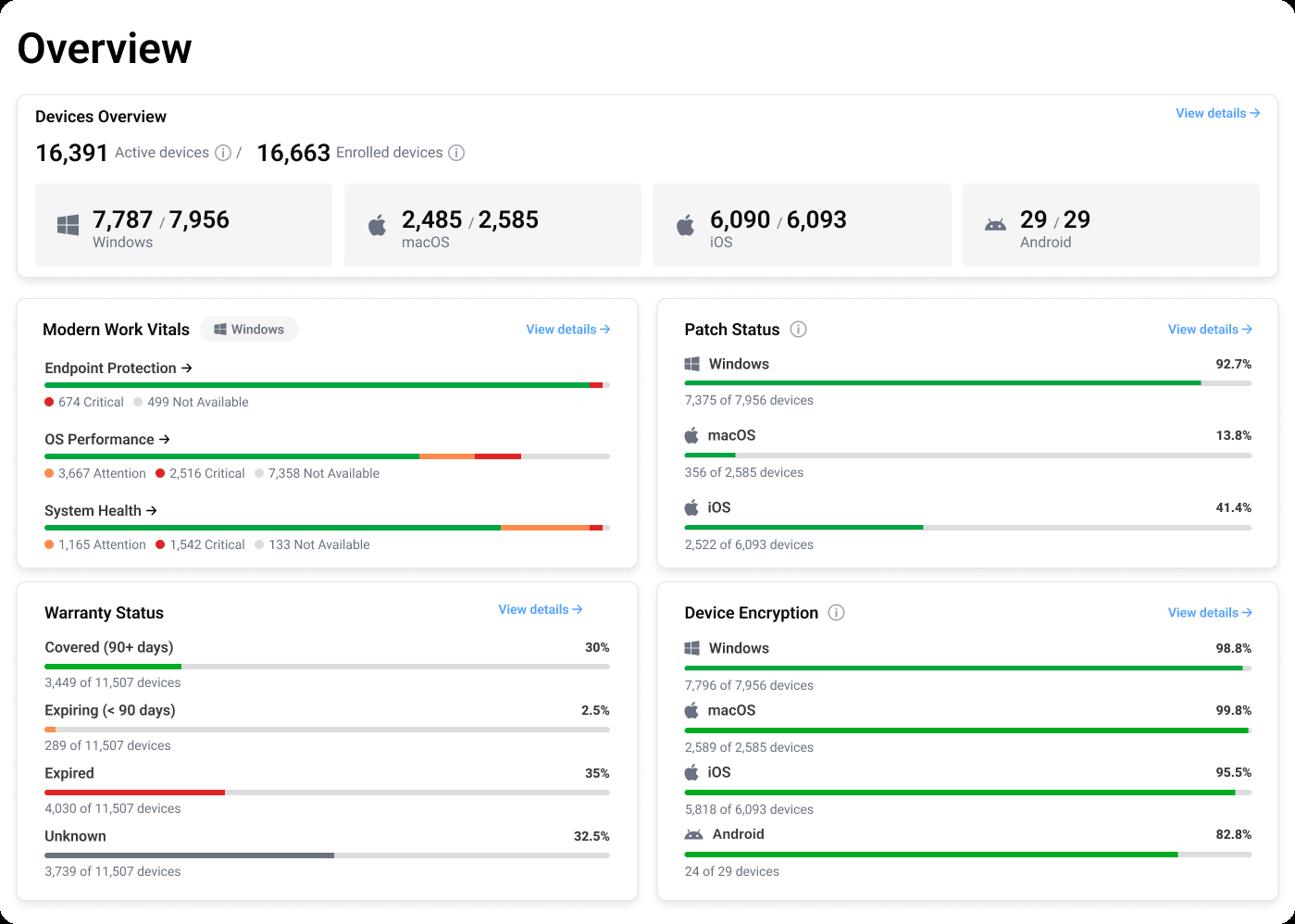
Before you can retire a tool you need to know what takes its place. Work through the reporting and management your current tools provide and establish which of it Devicie covers, which stays with another tool and which stays with your team.
Record the answer per workload rather than per vendor. A tool that covers one workload well is a different decision from a tool that only partly covers three.
Full cost
Compare the full cost over the same period
Separate capacity released from cash savings. Include transition costs, retained tools and the responsibilities your team will continue to own. Use the same device population, scope and time horizon for both approaches.
Proposed operating cost
- Devicie subscription
- Remaining internal operating effort
- Retained tools, services and infrastructure
- Implementation, transition and temporary parallel-operation costs
Current operating cost
- Current tool and service fees
- Internal maintenance and operating effort
- Infrastructure used by retained automation
- Planned renewal or maintenance costs within the period
Net benefit
Estimate the net benefit over your chosen timeframe
Keep contract savings, avoided future spending and the value of released staff capacity visible as separate amounts. A canceled license creates a different financial result from time redirected to other work.
Use actual quotes and renewal dates. A tool included in a wider agreement may have no separately recoverable license cost.
For leadership
Give leadership a clear basis for the decision
Use actual quotes and observed effort. Show a conservative scenario in which fewer tools can be retired or more internal work remains. Leadership can then assess whether the decision still holds.
Workloads and evidence
The workloads moving to Devicie and the evidence that they are covered.
Tool decisions
The tools proposed for retirement, reduction or retention.
What remains
The customer work and dependencies that remain.
Transition and dates
Transition cost and proposed retirement dates.
Net cost
Net cost over the chosen period, with cash and capacity shown separately.
Transition and review
Account for the transition
Include application validation, configuration review, staff training and the period when both approaches run.
Name the conditions for retirement and the person who confirms them. Check dependencies before removing assignments, scripts or licenses.
A realistic transition cost makes the business case more useful to finance and to the team responsible for delivery.
Review the case after adoption
Compare the proposal with the actual result. Confirm which licenses ended, which work stopped and how much effort remains.
Keep checking as applications, device counts and requirements change. The ongoing case for Devicie should be supported by the work it continues to carry.
Questions we get asked
Does Devicie replace every endpoint or security tool?
Evaluate specific workloads. Keep the capabilities your organization still needs, including security monitoring, response and management functions outside the agreed Devicie scope.
Can we count all time saved as a budget reduction?
Count cash savings only where spending actually changes. Show time released as capacity unless it supports a separately justified reduction or avoided cost.
What would make a consolidation claim credible?
An approved before-and-after account of the workloads, products retired, retained dependencies, transition cost and measured results over a defined period.
Build the case around your environment
Bring your tool list, renewal dates and recurring workloads. Review supported replacements, remaining dependencies and the information needed for a cost comparison.