
Solution
Finally, a platform to accelerate your move from SCCM to Intune.
Prepare supported applications and establish managed configuration for your move from SCCM to Microsoft Intune. Devicie supports application preparation through Intune-native app packaging and policy management during the transition, then keeps supported applications and managed policies current as your environment evolves.
After the migration
The migration ends. Device management continues.
Prepare supported applications and bring supported policies under management as part of the move. The same platform maintains them afterwards, as applications release and requirements change.
Devices can be enrolled and policies deployed while substantial work remains with the team.
New application versions still need packages. Specialized software still needs an installation process. Managed settings need attention when someone changes them. Support teams still need information about the devices employees use.
If those responsibilities stay dependent on manual work and individual knowledge, the platform may change while the operational burden remains.
Setup and operations
Plan your move from SCCM and the management that follows
Start with the environment and processes you have. Identify the applications that need maintenance, the supported policies to bring under management and the configuration that needs review or testing. Agree Devicie's role alongside your team or delivery partner. Set up each workload with its ongoing owner and next change in mind.
Applications with a process for the next release
Use maintained packages for supported catalog applications. Submit your own installers through the reviewed packaging workflow and reuse previous setup where applicable for later versions.
Explore Applications →Configuration with a process for change
Bring supported existing policies under management or use Devicie configuration. Establish the agreed state, inspect a correction notification and review the pause-and-resume process for deliberate changes.
Explore Configuration →Device information the support team can use
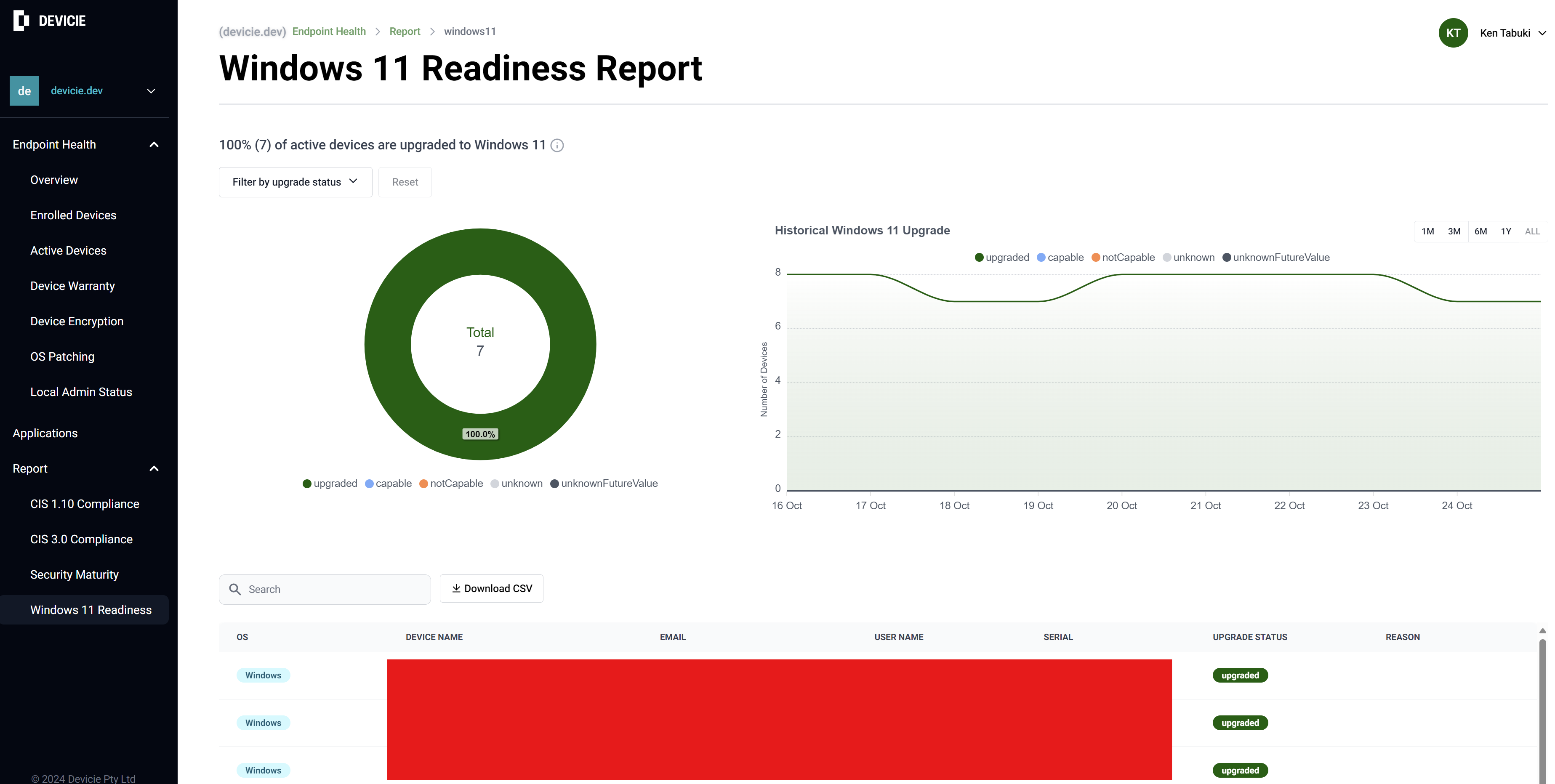
Use reported application and policy details for investigation, Windows Modern Work Vitals for health and performance information, and warranty reporting for supported hardware. Reporting refreshes daily.
Explore Reporting and data →Scope
Define what Devicie handles in your SCCM migration
Devicie prepares supported applications and maintains managed policies in Intune. It does not automatically convert SCCM applications, policies, task sequences or packages, and it does not perform the migration itself. Use this split to agree who owns each part before the work starts, and confirm any Devicie involvement in transition activities as part of the agreed delivery scope.
| Workload | Devicie provides | Your team owns | A migration partner handles |
|---|---|---|---|
| Applications | Prepares and maintains supported catalog applications, and packages installers you submit through the reviewed workflow | Deciding which applications move, and validating business workflows | Assessing the existing SCCM application estate and rebuilding or retiring what is not carried across |
| Configuration | Deploys and maintains managed policies, corrects drift in them and reports what changed | Agreeing the configuration and approving deliberate changes | Mapping existing SCCM settings to their Intune equivalents |
| Co-management workloads | Reviews which workloads are active and deploys supported configurations to match the workloads you are ready to move | Deciding when each workload moves | Running the workload transition and the ConfigMgr-side changes |
| Devices and identity | Reports enrollment and device state once devices are in Intune | Enrollment, licensing and identity dependencies | Enrollment at scale, imaging and hardware refresh |
| Reporting | Device, policy and application detail, refreshed daily, with API access | Investigation, support priorities and planning decisions | Reporting on the transition itself |
Handover
Make ownership clear at handover
Before the migration closes, make the continuing work explicit. A clear handover gives your team a process it can operate after the project specialists leave.
Applications
Which applications use the catalog, and who supplies new installers for the rest.
Policies
Which policies Devicie manages, and who can authorize changes.
Deployment results
Who reviews deployment results and investigates exceptions.
Device information
How the service desk uses device information.
Existing tools
Which existing tools and processes remain necessary.
As Intune changes
Keep improving as Intune changes
The next release or configuration requirement should have an established path. Devicie maintains catalog packages and develops and tests its configurations as Intune and security guidance evolve. Your team uses that work when deciding what to adopt.
A published financial-services example shows the ongoing value: a lender managing 1,300 devices moved from SCCM to Intune with Devicie and eliminated manual application packaging and updating. Its endpoint team gained capacity to continue modernizing.
Review the delivery scope for your own environment. The customer result illustrates one implementation; it does not establish an automatic migration or a universal outcome.
Questions we get asked
Do we need to be starting a migration?
No. An existing Intune environment can benefit from reviewing the recurring work around applications, configuration and device support.
Can we retain configuration we already use?
Devicie supports adopting existing configuration. Confirm the supported policy scope and adoption process for your environment.
Does Devicie automatically migrate Configuration Manager to Intune?
The capabilities described here do not establish an automated migration. Agree migration activities, responsibilities and dependencies separately.
Can we retire our existing tools after the move?
Only once their required workloads and dependencies have been covered and verified. Assess each tool against the operating model you intend to retain.
Plan beyond the migration milestone
Bring your Intune plans and the responsibilities your team expects to carry afterward. Review where Devicie can take on recurring work and what needs to remain in your delivery and operating plans.