
Devicie for government and public sector
Sustain the device management behind public services.
Keep supported workforce applications and managed policies current as services and requirements change. Devicie automates recurring application and configuration work through Microsoft Intune, with your organization retaining control of scope and rollout.
Connect security requirements to work that continues
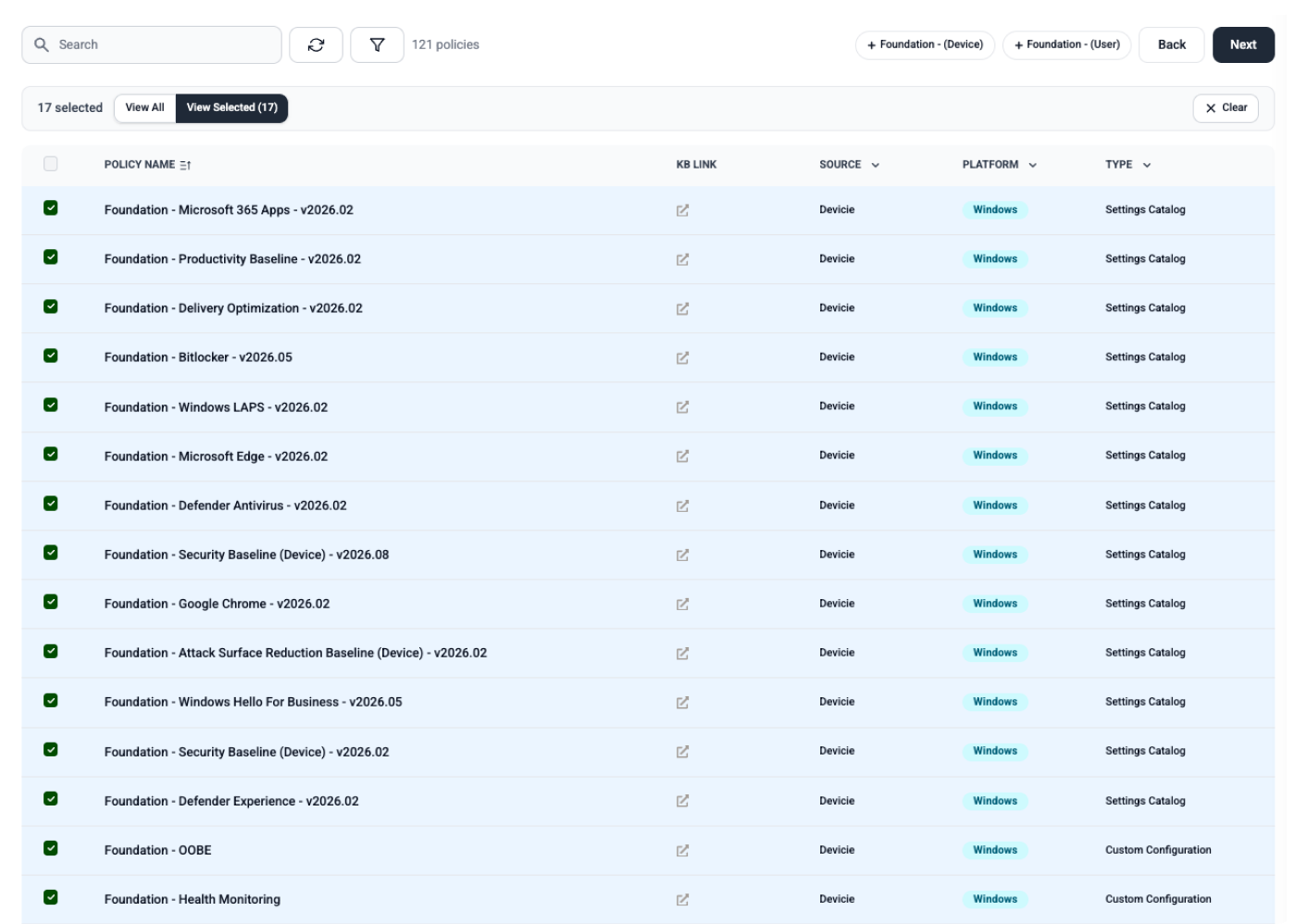
An agreed configuration needs a process to preserve it after implementation. Devicie maintains supported managed policies, detects drift and corrects those policies to their agreed state. Notifications help your team understand the changes, while device reporting supports follow-up on application of the policy.
Use this process within the requirements your organization has established. Configuration coverage and assessment coverage should remain explicit.
Keep a varied application estate current
Different services can depend on different applications. Devicie prepares and tests supported catalog updates for native Intune application patching and provides a workflow for evaluating and packaging specialized applications.
Your team validates service-specific workflows and controls deployment. Identify retained applications, unsupported dependencies and intentional exceptions as part of the evaluation.
Make modernization responsibilities clear
If you are moving from SCCM, examine application preparation and supported configuration management alongside the wider migration scope. Agree what Devicie handles, what your team retains and where a delivery partner is involved. Include continuing maintenance in the plan from the beginning.
Customer example: State Library of New South Wales
The State Library of New South Wales adopted Devicie to automate application updates and improve visibility across its managed environment as it addressed its security requirements.
Evaluate fit for your environment
Bring your tenant type, security requirements, procurement criteria and application scope into the evaluation. Review the relevant CIS recommendations or NIST CSF outcomes, and use the Essential Eight page where that framework applies.
Security requirements
Where public-sector requirements meet the work
ACSC Essential Eight
Application patching and configuration are two of the Essential Eight mitigation strategies. See what Devicie maintains and what your organization keeps deciding.
Explore Essential Eight →CIS Benchmarks
Where your agency works to CIS baselines, see how an agreed configuration is maintained after it is implemented.
Explore CIS Benchmarks →NIST CSF 2.0
For CSF-aligned programs, see which outcomes device and application reporting can contribute to, and which remain with your team.
Explore NIST CSF 2.0 →Start with the requirements your organization needs to maintain.
See the supported workflows, reported results and retained responsibilities in a session with IT and security.