
SMB IT teams are being asked to secure more devices, support more users, manage more applications, and prove compliance across increasingly complex environments, often without adding headcount.
In this on-demand webinar, Microsoft and Devicie share a practical look at how SMB IT teams can automate Microsoft Intune, simplify device and application management, improve visibility, and reduce endpoint firefighting without slowing down the business.
Modern work has created a familiar balancing act for IT teams: keep users productive, keep devices secure, and keep the business moving.
In this on-demand webinar, Moaazzam Khan, Senior Product Marketing Manager on the Microsoft Marketplace team, and Connor O’Reilly of Devicie discuss how SMB IT teams can automate Microsoft Intune, simplify application and policy management, improve reporting confidence, and reduce endpoint firefighting.
For many small and mid-sized businesses, Microsoft Intune is already part of the Microsoft stack they own. But using Intune effectively at scale is a different challenge. Configuration, policy management, application packaging, patching, reporting, and compliance monitoring can quickly become manual, inconsistent, and difficult to maintain.
That is where automation becomes more than a nice-to-have.
It becomes the difference between managing tools and delivering outcomes.
Why endpoint management has become the front line of modern security
The devices employees use every day are now one of the most important control points in the business.
They are where work happens. They are where users access apps, data, files, browsers, AI tools, and business-critical systems. They are also where small gaps in configuration, visibility, or patching can become much larger security and productivity problems.
During the webinar, Devicie’s Connor O’Reilly framed the challenge clearly: modern IT teams are constantly trying to thread the needle between productivity and security.
Highly productive environments can leave dangerous gaps if devices, apps, and users are not governed properly. Highly secure environments can frustrate users if controls become too restrictive or slow down daily work.
The goal is not to choose one or the other.
The goal is to make secure work feel simple.
For SMB IT teams, that means having confidence that devices are configured correctly, applications are patched, policies are enforced, compliance status is visible, and users can get productive quickly without creating more tickets for IT.
The SMB challenge: Intune is powerful, but scale changes the equation
Microsoft Intune gives IT teams a powerful foundation for managing devices, applications, policies, and compliance across Microsoft environments.
But as businesses grow, the operational reality changes.
What worked for a smaller device fleet can become harder to maintain as more users, locations, device types, applications, and business requirements are added. Tasks that were once manageable manually begin to create drag.
Policy updates take longer. Application packaging becomes repetitive. Patch workflows depend on specialist knowledge. Reporting is spread across different tools or limited snapshots. Compliance checks become harder to prove. And small changes can turn into tickets, troubleshooting, or user disruption.
This is often where Intune starts to feel “hard.”
Not because Intune lacks capability, but because managing it consistently at scale takes time, expertise, and operational discipline.
For many SMBs, the issue is not whether they have the right Microsoft tools. It is whether they have the capacity to configure, maintain, monitor, and continuously improve those tools without overwhelming the IT team.
Why automation is now mission-critical for SMB IT
Manual endpoint management does not scale well.
It puts pressure on IT teams to repeat the same tasks across devices, tenants, applications, policies, and reporting workflows. It also increases the risk of misconfigurations, missed updates, inconsistent enforcement, and compliance gaps.
At the same time, IT talent is stretched. Cybersecurity skills are in short supply, and many organizations cannot simply hire their way out of the problem.
That is why automation is becoming essential.
Automation helps reduce repetitive work, standardize configurations, improve consistency, and free IT teams to focus on higher-value priorities. Instead of manually babysitting policies, updates, compliance checks, and reports, teams can move toward a more predictable operating model.
For SMBs, this matters because the pressure is not easing.
IT teams are expected to support hybrid work, secure endpoints, manage application risk, support onboarding, improve visibility, and maximize the value of Microsoft 365 investments. They need progress across all of those areas at the same time.
Automation helps make that possible.
What better device management looks like
A modern device management program should not depend on endless manual intervention.
It should help IT teams answer questions like:
Are our devices configured correctly?
-
Are our applications up to date?
-
Are our policies being enforced?
-
Where are the compliance gaps?
-
Which devices need attention?
-
Can users get productive on day one?
-
Can we prove our posture without building reports manually?
Devicie approaches this through four core areas:
- Modern Work Vitals
- Application Management
- Tenant Configuration
- Expert Guidance and Support
Together, these help IT teams move from reactive endpoint firefighting to a more automated, standardized, and visible approach to device management.
Modern Work Vitals: Better visibility into device health and compliance
Visibility is the starting point for better endpoint management.
If IT teams cannot see the state of their environment clearly, it becomes harder to prioritize issues, prove compliance, or reduce risk. Reporting gaps often lead to manual spreadsheet work, disconnected dashboards, and uncertainty about what is actually happening across the fleet.
Devicie’s Modern Work Vitals provide reporting and visibility across key areas of device health, compliance, patch posture, asset governance, and operational performance.
This includes executive-level insights such as compliance posture, endpoint health summaries, patch posture trends, and asset governance. It also includes more granular operational views for IT teams, such as device-level health, patch failure logs, warranty status, deployment details, hardware and software inventory, and lifecycle alerts.
The goal is to give security teams confidence in the state of the environment while giving IT teams the detail they need to act quickly.
Instead of waiting for users to report issues, teams can identify where attention is needed and prioritize remediation based on real device data.
Application Management: Simplifying packaging, patching, and updates
Application management is one of the most repetitive and time-consuming parts of endpoint operations.
Intune includes application management capabilities, but packaging, configuration, updates, testing, deployment, and ongoing maintenance still require effort. As the number of applications grows, so does the workload.
Devicie helps automate and standardize that process.
Through a single dashboard, IT teams can access an application catalog with hundreds of pre-packaged applications, with more being added over time. Applications can be deployed across tenants and assigned to the right groups without every update becoming a manual project.
Devicie also supports automated application updates. Vendor sites are checked for new versions, applications are packaged and tested, and updates can be pushed automatically. Prior versions are retained to support rollback if needed, and staged rollouts help reduce the risk of a bad update affecting the entire organization at once.
For custom or industry-specific applications, Devicie also supports bespoke application management.
In practice, this means faster onboarding, fewer support tickets, fewer patch delays, and a smoother user experience.
Tenant Configuration: Standardized policies that stay aligned
Consistent configuration is one of the biggest factors in secure, scalable device management.
Devicie uses a standardized, templated approach to policy configuration across Windows, macOS, iOS, and Android. Policies are aligned to the CIS compliance framework and tested with both security and productivity in mind.
That balance matters.
A policy that is technically secure but breaks productivity creates friction. A policy that supports productivity but leaves gaps creates risk. The goal is to help organizations maintain a baseline that supports both.
Devicie also includes a policy comparison capability, helping teams compare current configurations against recommended baselines. This makes it easier to understand the current state, identify gaps, and move toward a desired configuration more quickly.
And once the environment is aligned, Devicie helps keep it there.
If a configuration drifts from the desired baseline, Devicie can alert the team and remediate the change. That means IT teams are not just getting to a better state once. They are able to maintain that state over time.
Zero-touch deployment: From device delivery to productivity faster
Onboarding is one of the clearest examples of where device management can either create friction or remove it.
When a new employee starts, the ideal experience is simple: the device arrives, the user signs in, and the applications, security settings, and policies they need are applied automatically.
Devicie supports zero-touch deployment through Autopilot, helping organizations drop ship devices directly to employees and get them productive quickly. The webinar described this as “shrink wrap to email” in around 30 minutes.
For IT teams, this reduces manual imaging, troubleshooting, and setup work. For users, it creates a smoother day-one experience.
That is the kind of endpoint outcome that directly supports productivity.
Expert Guidance and Support: More than another portal
One of the biggest themes from the webinar was that Devicie is not simply another tool layered onto the environment.
Devicie acts as an extension of the IT team.
That includes access to Microsoft specialists, Modern Work engineers, and experts who understand how to navigate the many settings and configuration options inside Intune. For customers, that means support is not limited to software access. It includes guidance, best practices, and help getting to the right outcome faster.
Many organizations know what they want to achieve with Intune, but not always the fastest or most reliable path to get there.
Devicie helps close that gap.
The platform provides automation, but the people behind it help ensure the environment continues to improve over time.
Why this matters for Microsoft 365 ROI
Many SMBs already own Microsoft 365 and have access to powerful management and security capabilities.
The challenge is making sure those capabilities are fully used, consistently configured, and operationalized in a way that reduces manual work instead of adding to it.
Devicie helps organizations get more value from the Microsoft stack they already have by automating Intune configuration, application management, patching, compliance reporting, and device management workflows.
This is not about replacing Microsoft Intune.
It is about helping Intune work the way IT teams need it to work at scale.
For SMBs, that means fewer manual steps, fewer headaches, stronger consistency, and better visibility across the endpoint environment.
Microsoft Marketplace: A simpler way for SMBs to discover and buy trusted solutions
The webinar also highlighted the role of Microsoft Marketplace for small and mid-sized businesses.
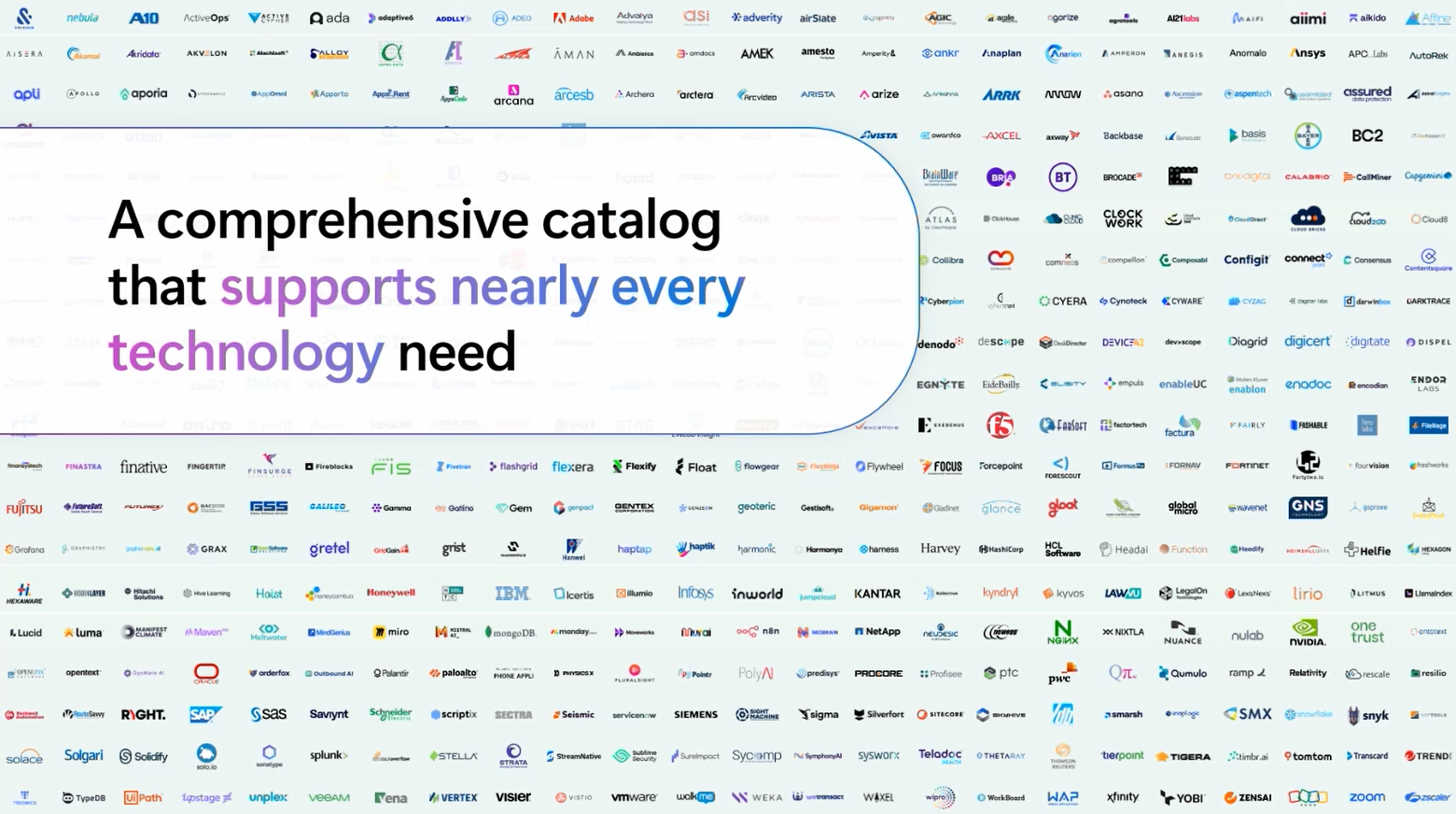
Microsoft Marketplace gives SMBs a trusted destination to discover, evaluate, purchase, and manage solutions that integrate with Microsoft tools such as Azure and Microsoft 365. For businesses looking to reduce procurement friction, Marketplace can support clear pricing, streamlined purchasing through Microsoft, consolidated billing, and access to Microsoft-vetted publishers.
 'For SMBs, that can make it easier to move from evaluation to deployment without adding unnecessary complexity.
Devicie is available through Microsoft Marketplace, giving organizations a practical path to explore device management automation within the Microsoft ecosystem they already use.
Watch the webinar on demand
In this session, Microsoft and Devicie share a practical approach to automating Intune configurations, simplifying application and policy management, improving reporting confidence, and reducing endpoint firefighting.
Watch the webinar to learn:
- Why Intune can become difficult at SMB scale
- How standardization helps reduce complexity
- How automation improves security and compliance consistency
- How application and policy management can be simplified
- How better reporting helps IT teams prove posture and prioritize remediation
- A practical first step SMB IT teams can take this quarter
Watch the full on-demand webinar below.
Ready to see Devicie in action?
Devicie helps IT teams automate and optimize device management across Microsoft environments, giving organizations better visibility, stronger consistency, and less manual work.
With Devicie, SMB IT teams can simplify Intune management, automate application updates, standardize policies, improve compliance reporting, and support users without adding unnecessary operational burden.
Request a demo
View Devicie in Microsoft Marketplace
FAQ's
What is Microsoft Intune automation?
Microsoft Intune automation refers to using automation to streamline configuration, policy management, application deployment, patching, compliance monitoring, and reporting within Intune. This helps IT teams reduce manual work, improve consistency, and scale device management more effectively.
Why does Intune become difficult to manage at scale?
Intune can become difficult at scale when IT teams rely on manual processes for configuration, application packaging, policy updates, reporting, and compliance remediation. As the number of devices, users, apps, and requirements grows, manual management can become inconsistent and time-consuming.
How does Devicie work with Microsoft Intune?
Devicie works with Microsoft Intune to automate device configuration, security baselines, application management, patching, compliance reporting, and policy workflows across modern device environments.
Is Devicie an endpoint agent?
No. Devicie is not an agent installed on the device. It operates within the Microsoft environment and connects through Microsoft Graph API to help automate and manage Intune workflows.
How does Devicie help with application management?
Devicie provides a catalog of pre-packaged applications, supports automated updates, enables staged rollouts, maintains prior versions for rollback, and allows organizations to manage custom or bespoke applications.
How does Devicie help reduce endpoint firefighting?
Devicie helps reduce endpoint firefighting by improving visibility, automating repetitive management tasks, standardizing configurations, surfacing device health issues, and helping IT teams identify and remediate problems before they become user-impacting tickets.
Where can SMBs find Devicie?
Devicie is available through Microsoft Marketplace, where SMBs can discover and evaluate Microsoft-aligned solutions that integrate with the tools they already use.